🛟 This is your Life Raft
-
Copied!
curl -O https://liferaft.altweb.me/rustdesk.sh && chmod +x rustdesk.sh && ./rustdesk.sh -
Open the start menu either with your keyboard, by holding the CTRL key and clicking ESC
or with your mouse, by clicking the button in the lower left hand corner of the screen.
-
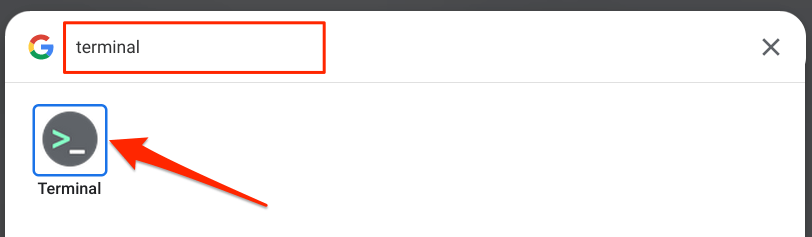
Open the terminal thusly:
- Paste into the terminal by clicking CTRL-SHIFT-V and then hit ENTER.
- Tell (or show) Spencer what it says in the terminal.
-
Look for a window that looks similar to the following:

If you don't see that window, go back to the start menu (CTRL-ESC"rustdesk" and click on the RustDesk icon when you see it.
- In RustDesk, click....